Blog 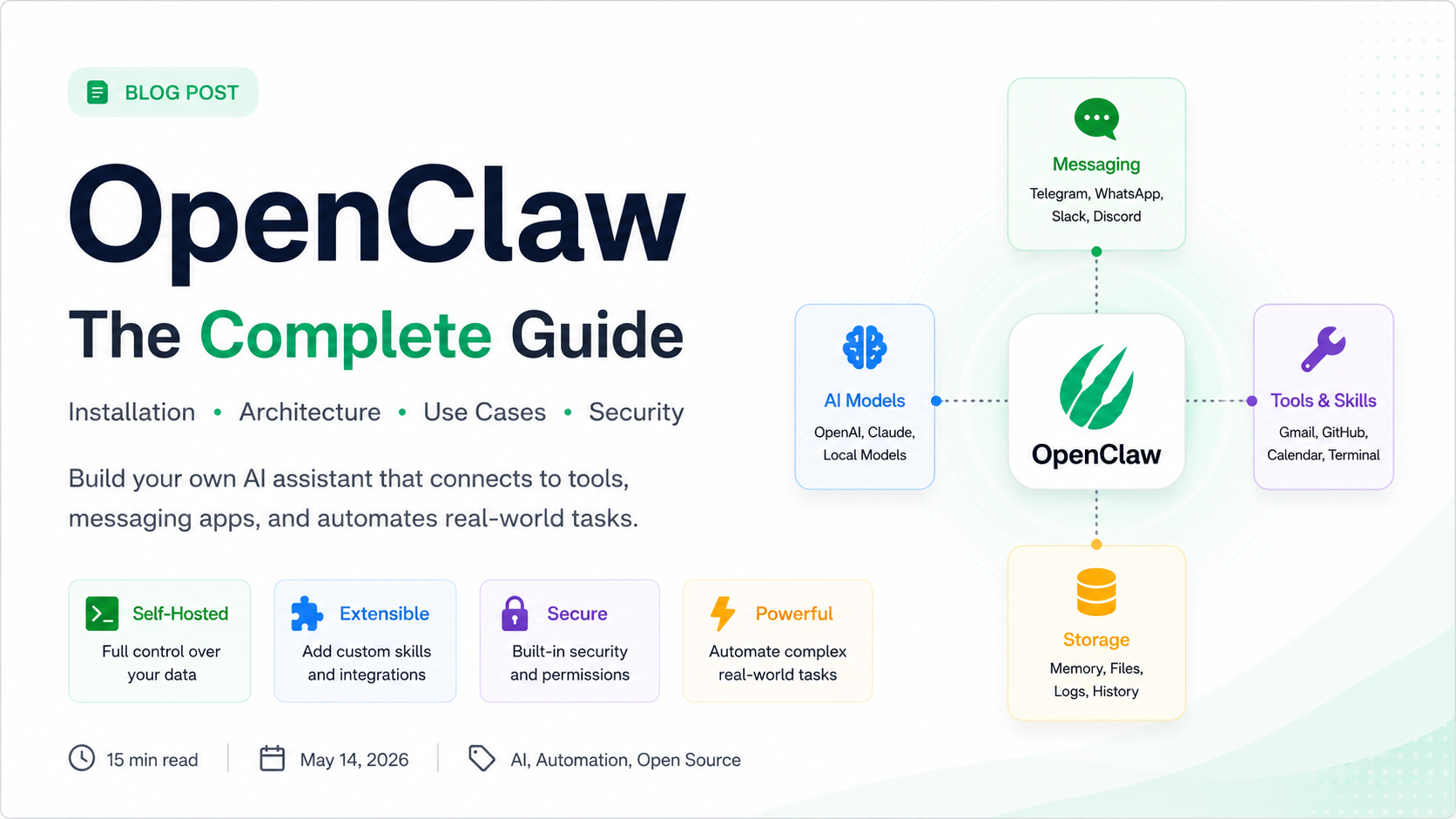

Apr 20, 2026 - 8 MIN READ
OpenClaw: The Complete Guide to Self Hosted AI Agents
Build your own AI assistant that actually executes tasks. A deep dive into OpenClaw's architecture, installation, and real-world use cases.
V Chaitanya Chowdari
OpenClaw — Complete Guide
Quickstart • Installation • Architecture • Use Cases Build your own AI assistant that actually executes tasks.
What is OpenClaw?
OpenClaw is an open source, self hosted AI agent platform that connects LLMs with tools, messaging apps, automation workflows, and real world actions.
Instead of a simple chatbot interface, OpenClaw operates as a task oriented engine:
User → Ask → Agent → Tool → Action → Result
Example Interaction:
- You: "Summarize my emails and create tasks."
- OpenClaw:
- ✓ Reads emails
- ✓ Summarizes content
- ✓ Creates tasks in Jira/Notion
- ✓ Updates your calendar
- ✓ Sends a WhatsApp confirmation
Quick Start Installation
Requirements
- Node.js 24+ (22.19+ supported)
- Git & pnpm
- LLM API Key (OpenAI, Anthropic, or Google)
Method 1 — Installer (Recommended)
macOS / Linux / WSL:
curl -fsSL https://openclaw.ai/install.sh | bash
Windows:
iwr -useb https://openclaw.ai/install.ps1 | iex
Method 2 — NPM Install
npm install -g openclaw@latest
openclaw onboard --install-daemon
Architecture & Layers
OpenClaw uses a decoupled, layered architecture to ensure scalability and security:
- Channels: Handles I/O for Telegram, WhatsApp, Slack, Discord, and more.
- Gateway: The core controller for routing, authentication, and session control.
- Agent Engine: The reasoning system that handles tool calling and planning.
- Skills: Modular extensions (Gmail, GitHub, Browser, Terminal) that define what the agent can do.
- Storage: Manages episodic memory, logs, and workspace data.
USER ↔ CHANNELS ↔ GATEWAY ↔ AGENT ENGINE ↔ SKILLS/STORAGE
Real World Workflows
1. AI Executive Assistant
- 08:00 AM: Reads unread emails, checks calendar for conflicts, and generates a "Daily Brief" sent to your preferred messaging channel.
2. Developer Agent
- Monitors GitHub repos, performs initial code reviews on PRs, suggests fixes, and can even run local tests in a sandboxed terminal.
3. Private Knowledge Base
- Connect your Notion, Google Drive, and local PDFs. Ask: "Find the AI startup notes from the March board meeting" and get a cited response.
Production Deployment & Security
Recommended Stack:
- Inference: Claude 3.5 Sonnet / GPT-4o
- Database: Postgres + Redis
- Orchestration: Docker
- Automation: n8n integration
Security Checklist:
- Always deploy within Docker containers.
- Use Environment Variables for API keys.
- Audit new Skills before enabling them in production.
- Use a VPN or restricted Gateway access for remote control.
Conclusion: When to Use OpenClaw
Choose OpenClaw if you need:
- ✓ Full ownership of your AI data (Self-hosted).
- ✓ Complex, multi step agentic workflows.
- ✓ Integration with private enterprise tools.
- ✓ Granular developer control over the "Reasoning Loop".
Resources: